
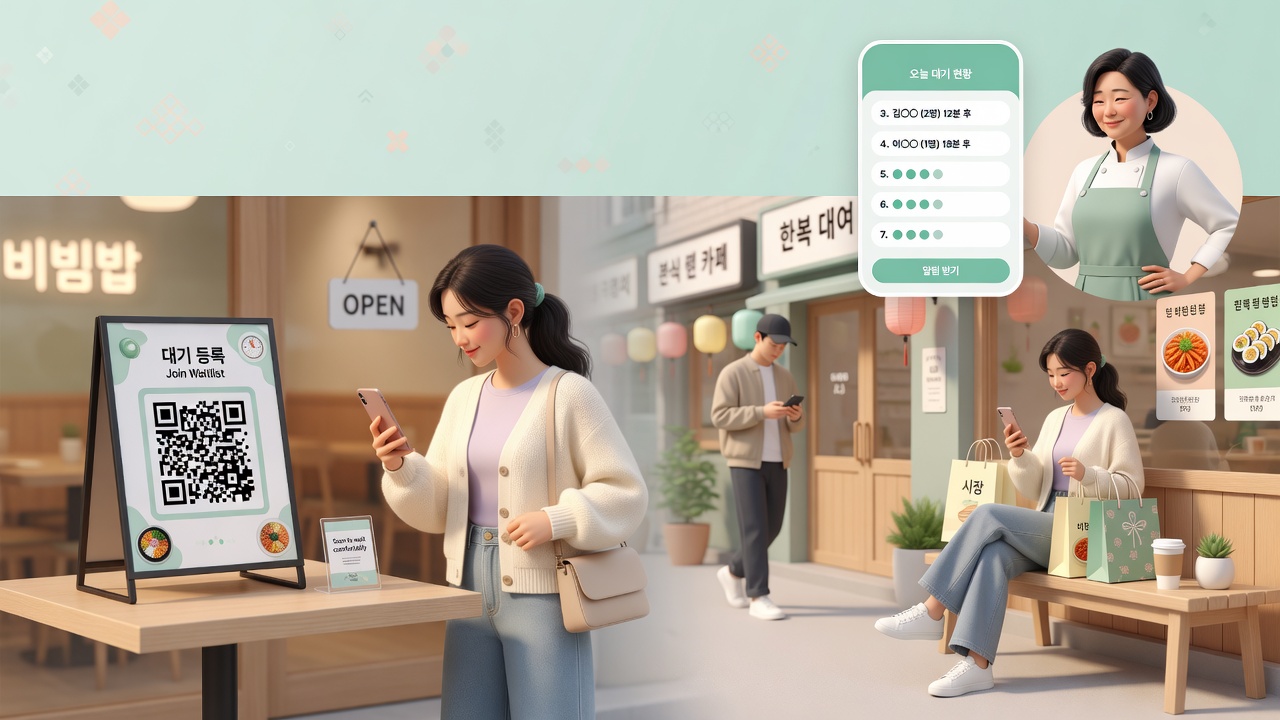
Instead of a line, one QR code.
A lighter waitlist.
Guests join on their phone and watch their place. You call them from yours. No paper tickets, no kiosk — you can start today. ₩0 a month · Up to 3 stores (Limits can change as we operate the service, and we'll let you know if they do.)
After you sign in and create a store, owner tools open up. You can start without adding a card.
How to start
Three steps and you're ready
No special device. Use the smartphone you already have. ₩0 a month · Up to 3 stores.
Create a store
Sign in with Google or Apple and add your store name and location. You can run up to 3 stores per account.
Put up the QR
Download the QR we create and stick it at the entrance. Guests scan it with their camera.
Call from your phone
Tap Next guest on the waitlist. The number moves forward and the guest is notified.
Why Loop Waiting
Easier for guests,
lighter for the store
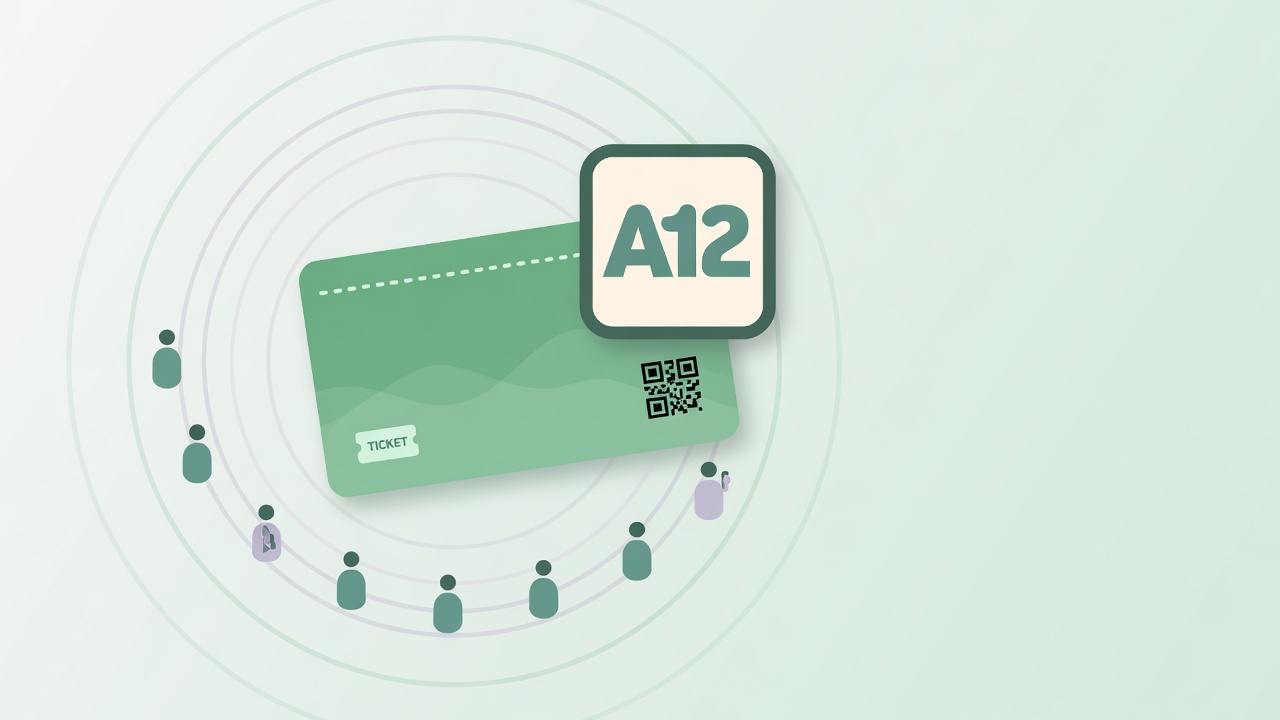
From issuing a number through calling, completing, and no-shows — one flow. You don't have to ask guests for an app, KakaoTalk, or personal info.
No guest personal info to hold
We don't collect names or phone numbers. Party size only, so you don't have to store personal data.
No KakaoTalk channel
You don't have to make guests install KakaoTalk or add a channel. The web is enough.
Run it from your phone
No special device or kiosk. Manage the waitlist in the browser on the phone you already use.
No-shows clear themselves
If someone doesn't arrive in time after being called, they're marked as a no-show so the line doesn't stall.
Party details
Take adults, children, and booster seats separately so you can set the table.
More than one store
Run several stores, QR codes, and waitlists from one account.
A good fit for stores like these
Restaurants and cafes
Ease the rush at the door. Guests wait nearby without crowding in.
Salons and clinics
Take walk-ins in a clear order.
Pop-ups and retail
A QR at the door is enough to open a same-day waitlist, even at a temporary shop.
₩0 a month · Up to 3 stores
Create your store and put up a QR today
Sign in with Google or Apple to create a store and open a waitlist right away. Start without adding a card. (If the store limit changes, we'll tell you first.)